A portfolio that books.
Browse Mara’s work and Flash, read her Client FAQ, then try the booking form right up to the checkout boundary.
Give clients one link to see your work, book an appointment, and pay a non-refundable deposit. Manage it all from your phone.
No signup needed. No real booking or payment.
For U.S. businesses. Card payments include a client-paid booking fee and require merchant activation. See how pricing works →
Explore sample accounts before creating your own. The demos do not create real bookings or accept payments.
Browse Mara’s work and Flash, read her Client FAQ, then try the booking form right up to the checkout boundary.
Explore the read-only dashboard, appointments, client records, services and Mobile POS using sample data.
Show your work, publish available designs, and give clients a direct path to book.
Set services, prices, durations, booking hours and non-refundable deposit requirements. Manage appointments from your calendar.
Keep contact details, appointments, notes, photos and reference images together. Merge duplicate client profiles.
Start with preparation and aftercare answers. Customize your policies and dressing instructions, then review and publish them.
Collect online booking payments and remaining balances, create in-person QR checkout links, or record cash sales.
Track sales, tips and payment status. Keep business activity organized without another spreadsheet.
Give your parlor a public page where clients can choose an artist and explore their work. Invite artists by account email, see a combined team calendar, and track activity by artist.
Payments routed through the parlor settle to its connected merchant account. The parlor pays its artists; Parlors POS does not automatically split payouts.
Explore the Demo Parlor →Clients choose from your services and availability, tell you about their tattoo, review the cost, and confirm your policies before secure checkout.
Choose a service, available date and start time.
Share contact information for the appointment.
Add placement, size, ideas and reference images.
Review the deposit, booking fee and total due.
Confirm age and required policies before continuing.
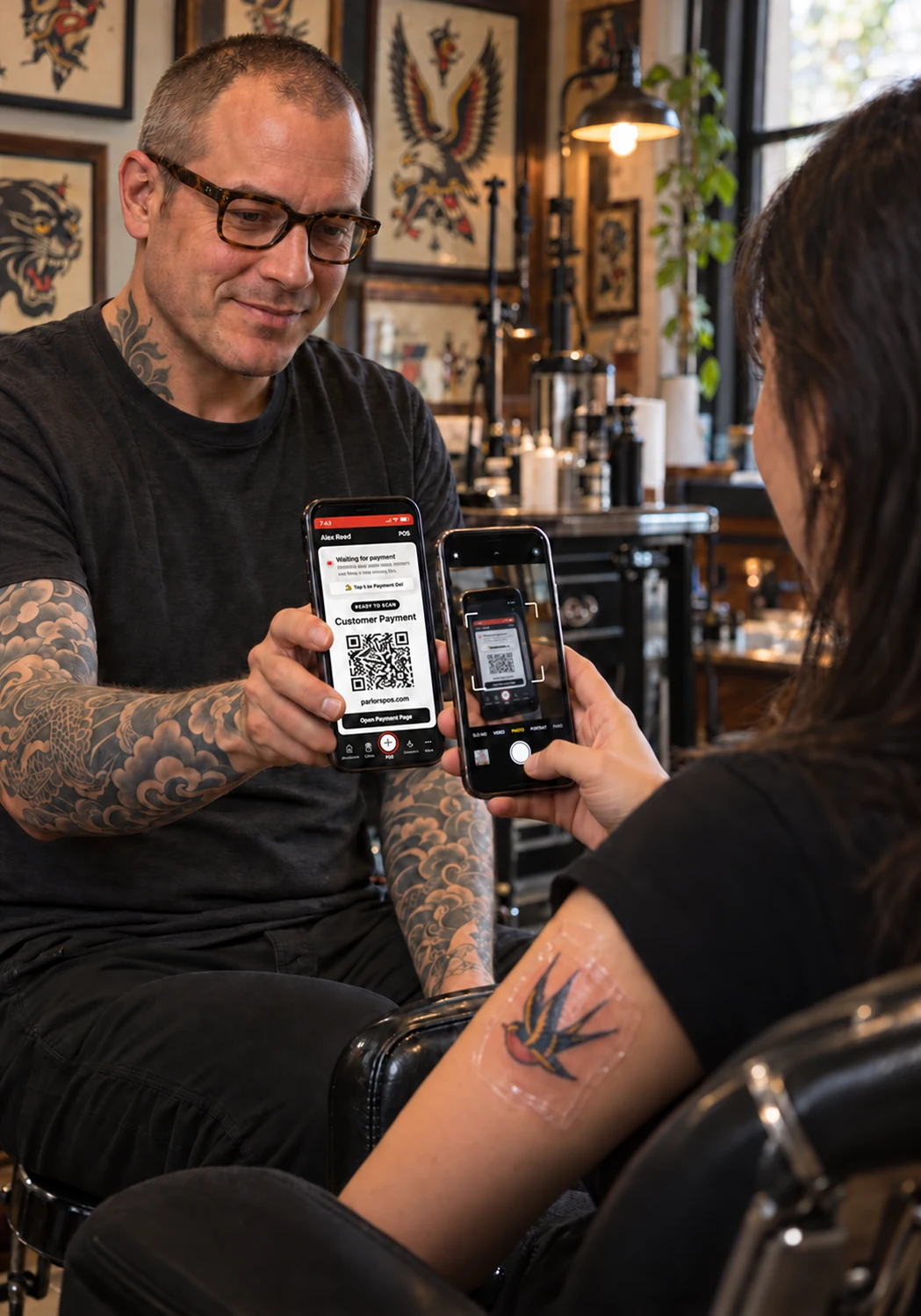
For in-person card payments, create a sale on your phone and let the client scan the QR code to open secure checkout on their own device. Record cash sales in the same system.
Major credit cards, Apple Pay and Google Pay are supported after merchant activation. Wallet availability depends on the client’s device and browser.
Explore the Demo POS →The payment provider handles card details and bank payout information. Parlors POS does not store full card numbers or bank routing and account numbers.
Read our privacy policy →Artist and parlor accounts include the full software. No paid software subscription or dedicated checkout hardware to buy.
Choose Your Free AccountA booking fee is added to card payments and shown to the client before paying. Cash sales have no card booking fee.
Merchant approval and activation are required. Payment processing, settlement timing, refunds and disputes remain subject to the payment provider’s terms.
Create your account and prepare your profile, services and availability first. There is no monthly software commitment; merchant services have separate terms.
For independent artists and tattoo parlors located and operating in the United States.
Choose an artist or parlor account and verify your email.
Add your profile, services and availability. Parlors can invite their artists.
Complete merchant setup or connect to your parlor’s payment account. Approval and timing vary.
Your own portfolio, booking calendar, client records and Mobile POS. You can also connect to a parlor.
Create Free Artist AccountA public Parlor Page, connected artists, a combined calendar and activity organized by artist.
Create Free Parlor AccountEach artist and parlor account needs a unique email address. Already have an account? Log in →
Phone, tablet or desktop—use a modern browser with an internet connection. Save Parlors POS to your phone’s home screen for quick access.
Yes. Artist and parlor accounts have no monthly software subscription or feature tiers. Card payments include a 4% booking fee shown to the client before payment. Payment processing is subject to merchant approval and the provider’s terms.
Yes. Create and verify your account, then prepare your profile, services and availability. Live card payments require an approved, activated merchant account or an eligible connection to your parlor’s payment account. Approval and activation timing are not guaranteed.
No dedicated card reader is required for QR checkout. Parlors POS runs in a modern browser on iPhone, Android, tablets and computers. You need an internet connection and can save it to your phone’s home screen.
Yes. Set service prices and durations, availability, and payment rules: no upfront payment, a fixed non-refundable deposit, a percentage, or full payment. Review and publish your own editable Client FAQ and aftercare instructions.
Yes. Publish available Flash designs with booking links. Use appointment balance payments or Mobile POS to collect payment, and record cash sales without a card booking fee.
Parlors invite artists by their unique account emails. Connected artists keep individual portfolios and booking availability while the parlor has a combined calendar and artist-separated activity. Payments routed to the parlor settle to its connected merchant account; the parlor handles paying its artists. This is not automatic split payouts.
Secure checkout supports major credit cards, Apple Pay and Google Pay, with wallets depending on eligible devices and browsers. The payment provider handles card details and bank payout information. Parlors POS does not store full card numbers or bank routing and account numbers.
Artist accounts, parlor accounts and payment processing are currently for businesses located and operating in the United States. Use Support Messenger inside your account, or email hello@parlorspos.com with setup and support questions.
Need a hand? Contact us at hello@parlorspos.com or use Support Messenger in your account.
See how it works, then build your own workspace.